 Thinkific course with AI
Your Thinkific course builds understanding - now let your learners apply it. Add interactive experiences where learners practise their skills and get exprt, personalised feedback, without ever leaving your course
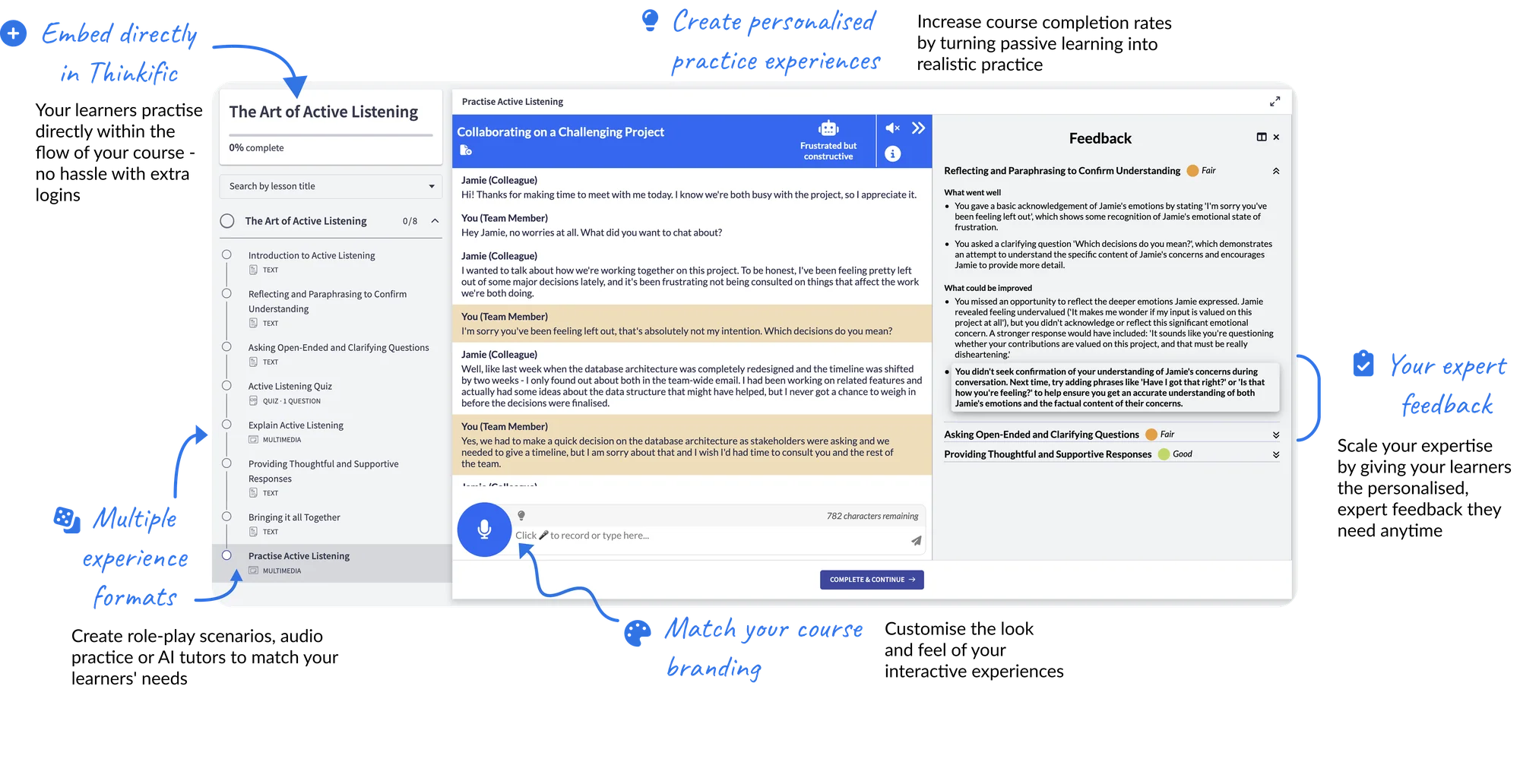
Import your Thinkific course content or upload training materials
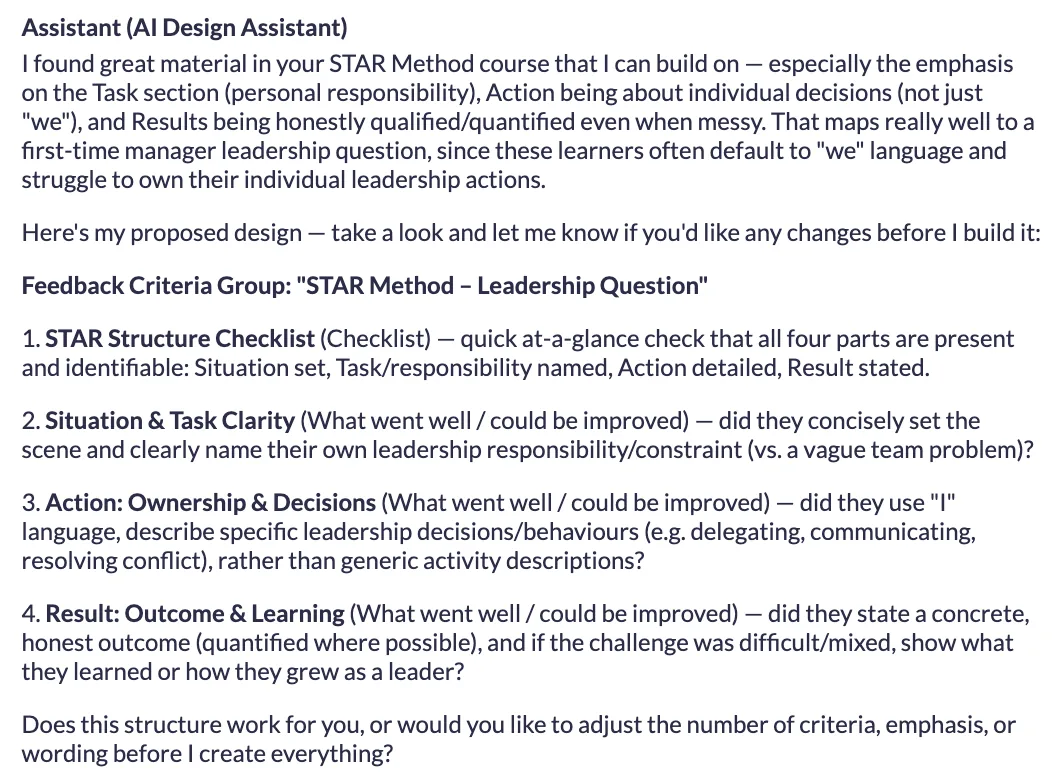
Create AI role-plays, audio and written prompts, and coaching scenarios for your learners to practise their skills
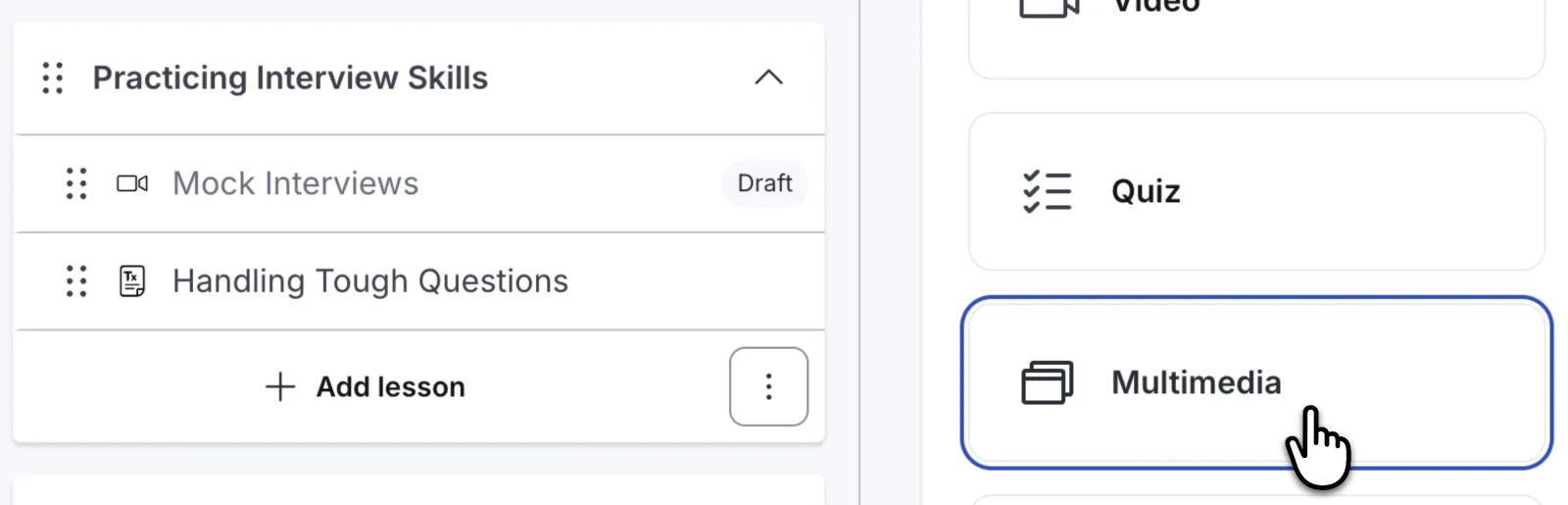
Publish your experiences, and simply copy and paste into a Thinkific multimedia lesson
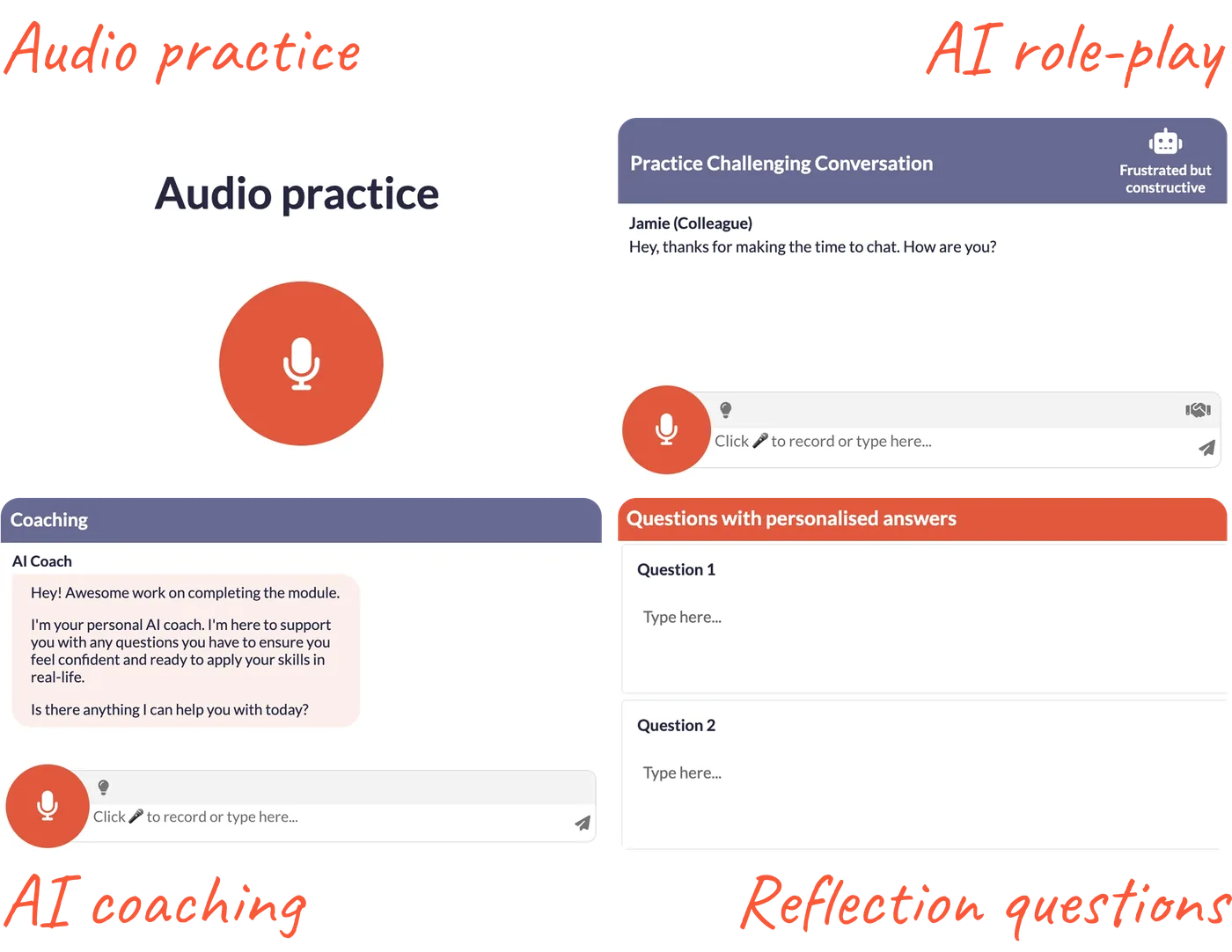
Import your Thinkific course content. Create a practice experience in Rehearsable with help from our AI Design Assistant. We can also help you in a 1-1 onboarding call.
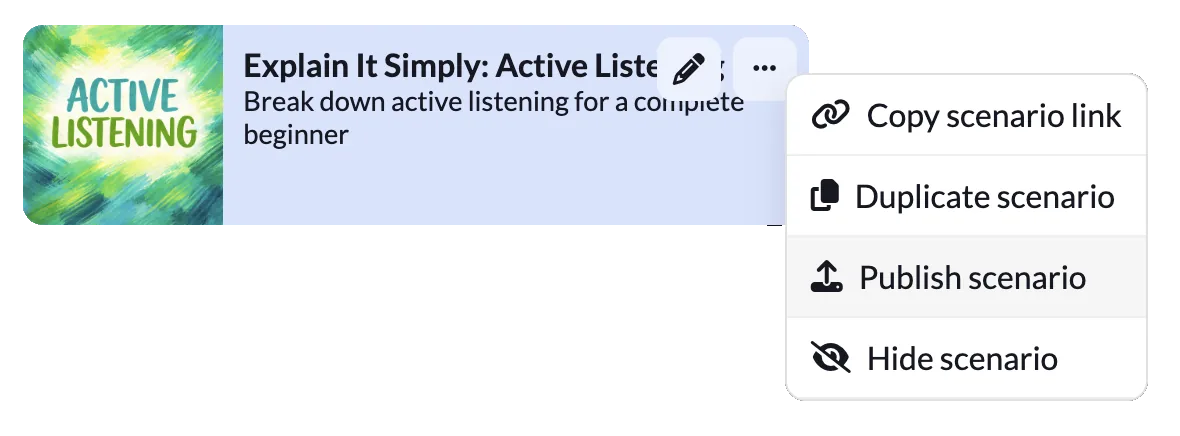
Publish the experience, and copy the URL from Rehearsable. In Thinkific, create a multimedia lesson and simply paste the URL
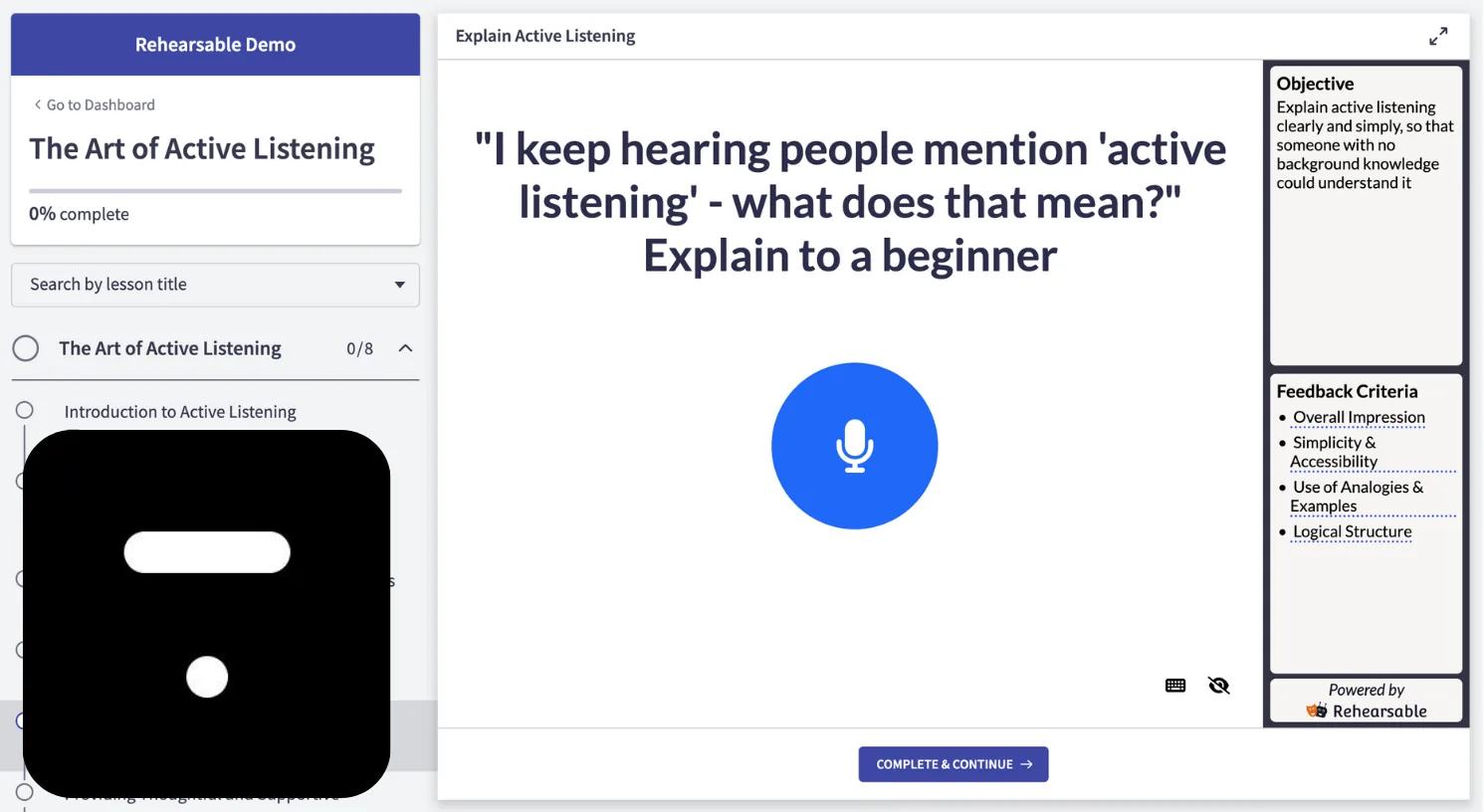
Learners practise their skills and get your expert, personalised feedback directly inside your course
All Thinkific plans allow multimedia lessons which support Rehearsable embeds.
Absolutely - no need to start from scratch. Pick a lesson where your learners would benefit from practice - a tricky concept, a skill they need to apply - and add an interactive experience there. You can start with one and add more over time.
Learners access the interactive practice directly inside your Thinkific lessons - no separate login, no redirect, no friction. They practise, get your personalised feedback, and continue in the flow of your course. It looks and feels like a native part of your course, and you can customise colours and content to match your branding.
Plans start at $99/month for 5 scenarios. Every plan includes a 1-1 onboarding call where we can help you create and publish your first scenario to your Thinkific course.
14 days free trial $10 AI usage included 1-1 concierge onboarding