Help your learners practise their on-the-spot delivery by speaking aloud and getting your expert, personalised feedback on their performance
1:1 speaking practice requires time and resources that most trainers don't have the capacity to offer. With Rehearsable, learners record spoken responses to your prompts - a pitch, a presentation opening, a tricky question - and get your immediate, expert feedback on what they said and how they said it
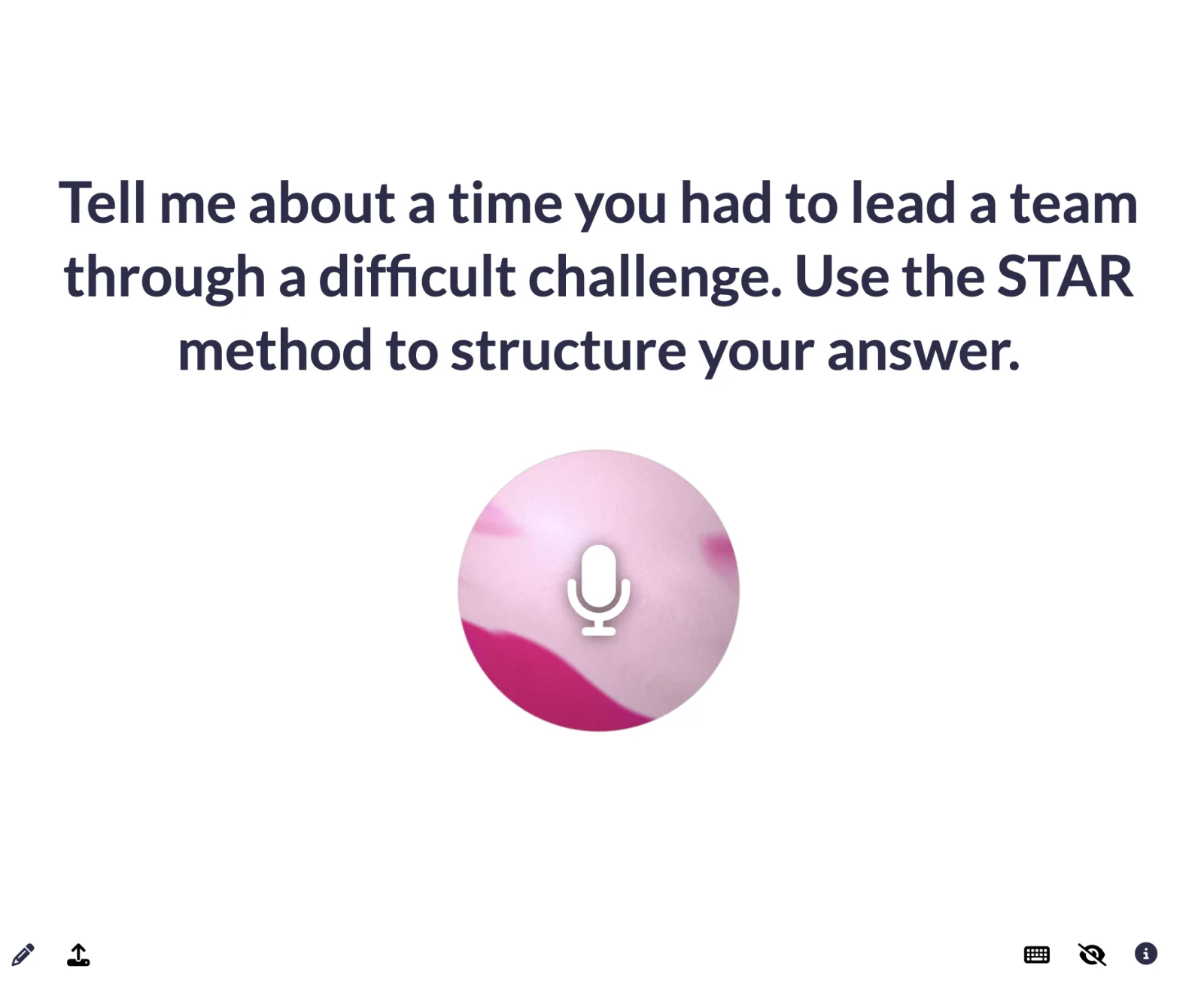
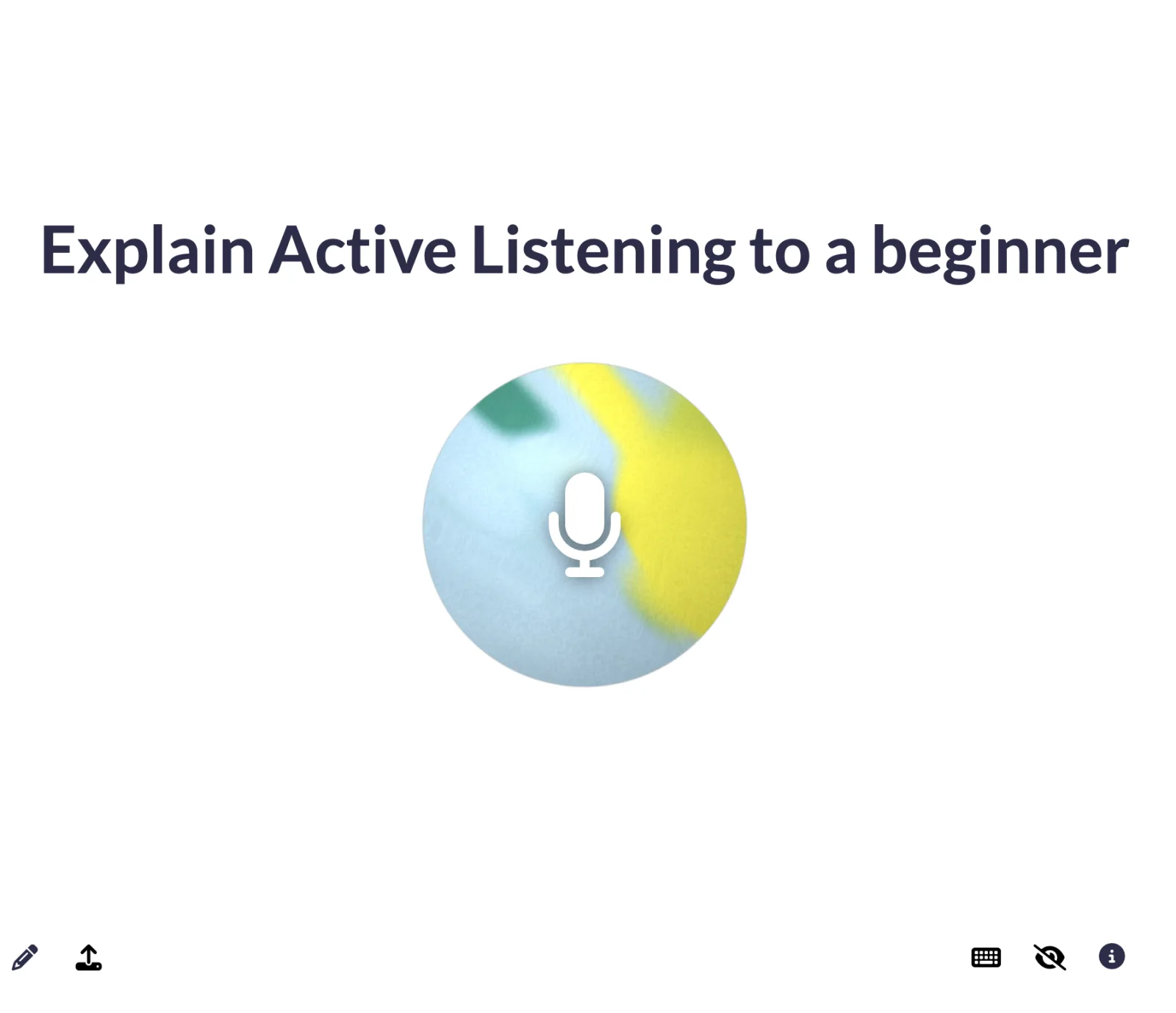
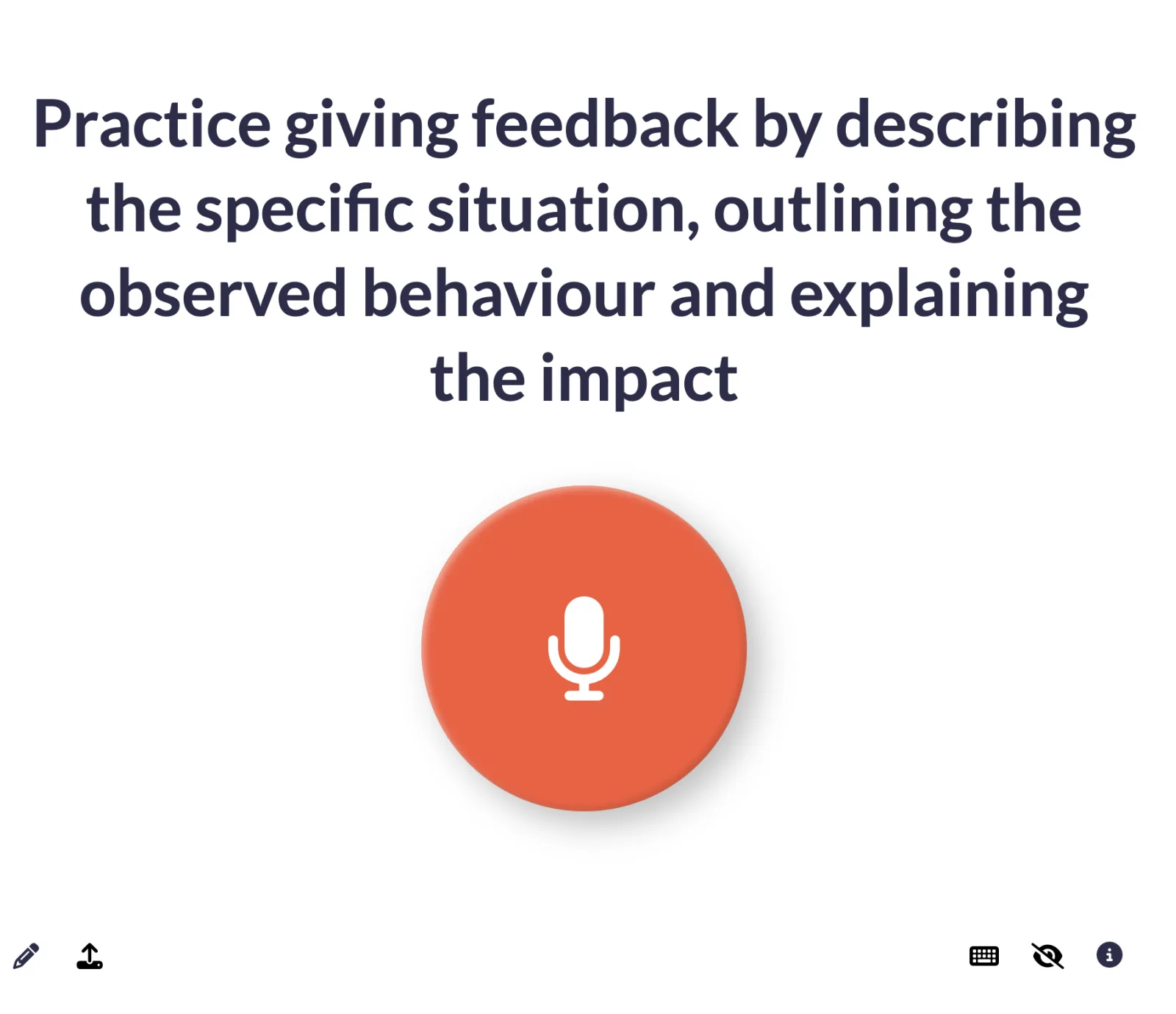
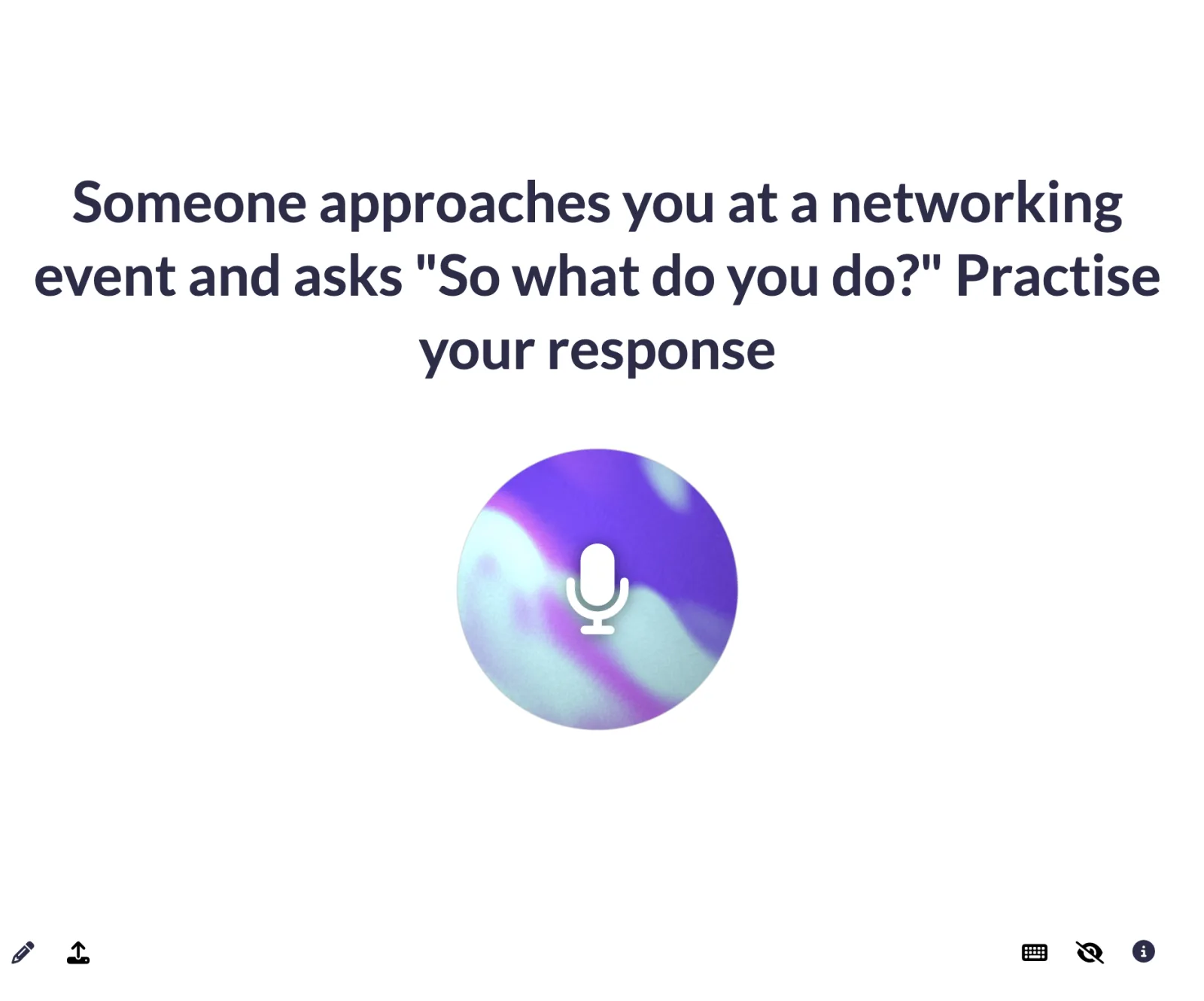
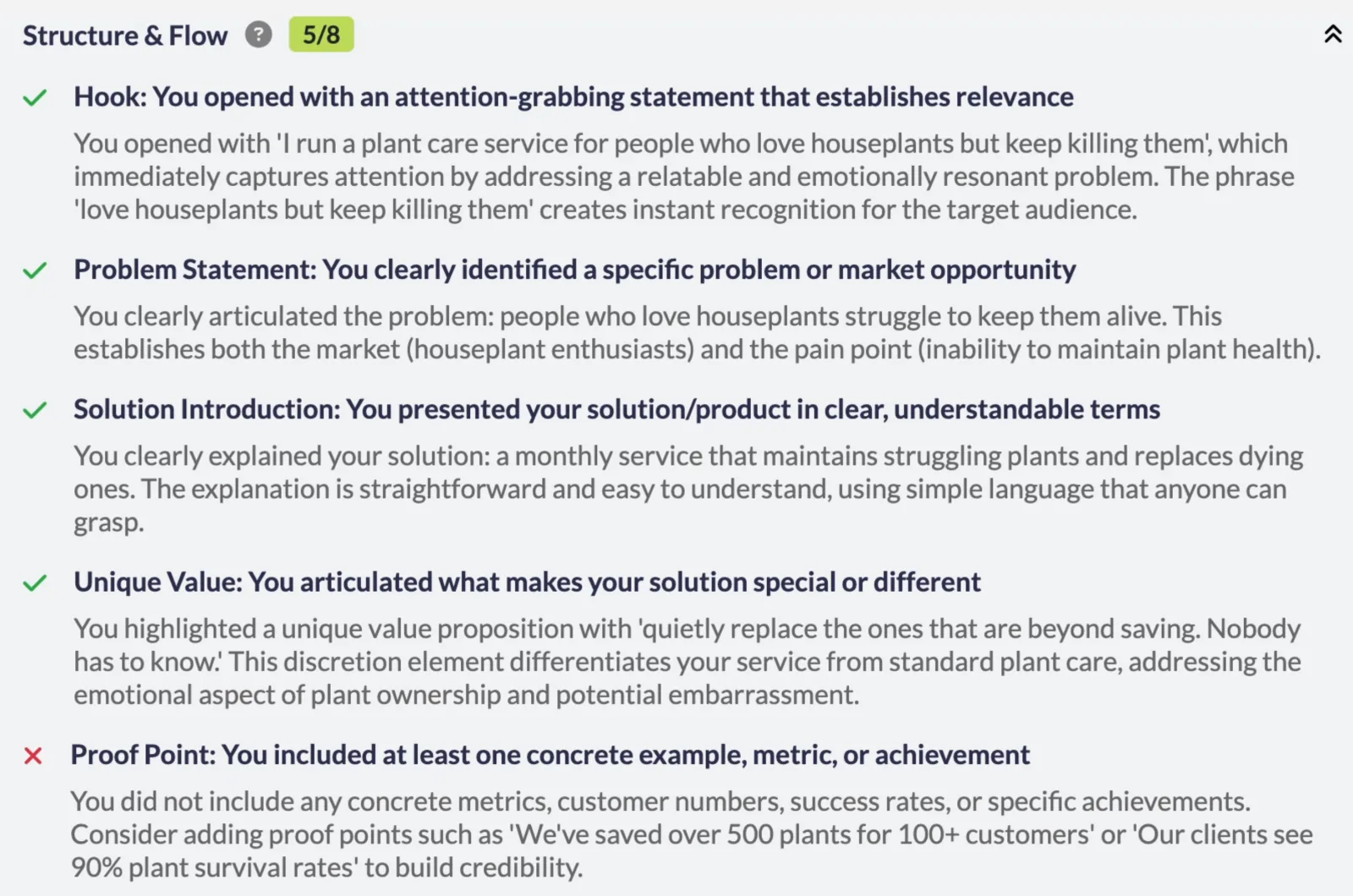
Set the criteria you'd listen for in good delivery - structure, content, audience engagement, your own model - and let the AI listen and deliver the personalised feedback you'd give on a 1-1 call, following your expertise and tone of voice
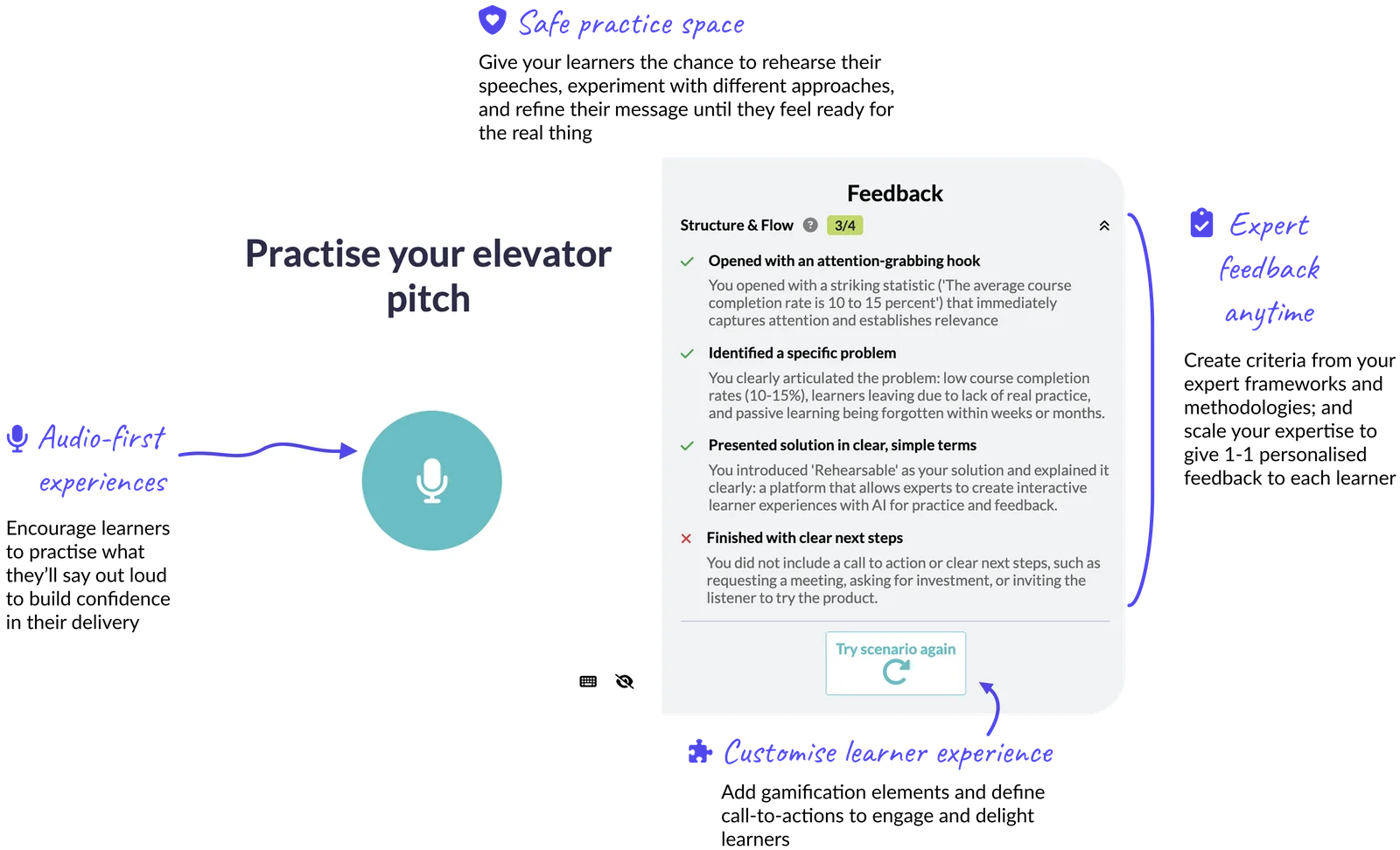
Anywhere where learners need to communicate confidently on the spot - your learners practise their delivery, get your expert feedback, and refine their delivery until they're ready for the real thing
Create exercises where learners record their pitch and get feedback on clarity and impact
Design prompts that challenge learners to earn an audience's attention with a strong opening
Build storytelling exercises where learners structure and deliver stories that engage and persuade
Create speaking exercises that give learners feedback on grammar, fluency, and expression
Design drills where learners deliver confident, concise responses to common objections
Build exercises where learners demonstrate understanding by explaining complex topics in a clear, jargon-free way
Audio prompts work well for spoken skills where the first attempt matters - pitches, presentation openings, interview answers, stories, explaining something clearly, responding to an objection. You create the prompts for relevant exercises for your training, and teach the AI how to give feedback like you would on a 1-1 call.
Feedback is based on a transcript of what your learner said - the content, structure, clarity and word choice they produced under pressure. It can't currently directly capture tone in the transcript, though it will pick up on related signals through the choice of words and their meaning. Learners answer on the spot, then review how they did against your expert criteria, and can try again until they've refined their message and delivery.
You define the criteria the AI uses to analyse each recording, and set the tone it uses. The AI Design Assistant can auto-generate your feedback criteria from your existing training materials to ensure it closely follows your expertise and tone of voice. You have full flexibility to create and edit criteria, test feedback for different skill levels, and teach the AI how to give feedback like your expert trainers would for both tone and content.
Once live with learners, you can schedule regular AI Insights reports to analyse the feedback quality and make any adjustments based on real-world examples.
Start a 14-day free trial, and we recommend booking a free 1-1 onboarding call to create and publish your first audio prompt with our co-founder, Georgie. Most creators bring an existing exercise or framework to the call and leave with a prompt ready to test and share with their learners.
14 days free trial $10 AI usage included 1-1 concierge onboarding