Your audience doesn't want another checklist PDF forgotten in their Downloads folder. Give prospects a personalised taste of your training - and sync every new subscriber to your CRM


Webinars, PDF checklists and ebooks are passive and identical for all prospects. With Rehearsable, your audience tries out a real, interactive experience from your training - a pitch, a tricky conversation, written reflections - and gets your expert, personalised feedback to understand how your training would help them. You get rich insights into your audience's needs and pain points to continue a personalised conversation with them on how your training can help them overcome their specific challenges.
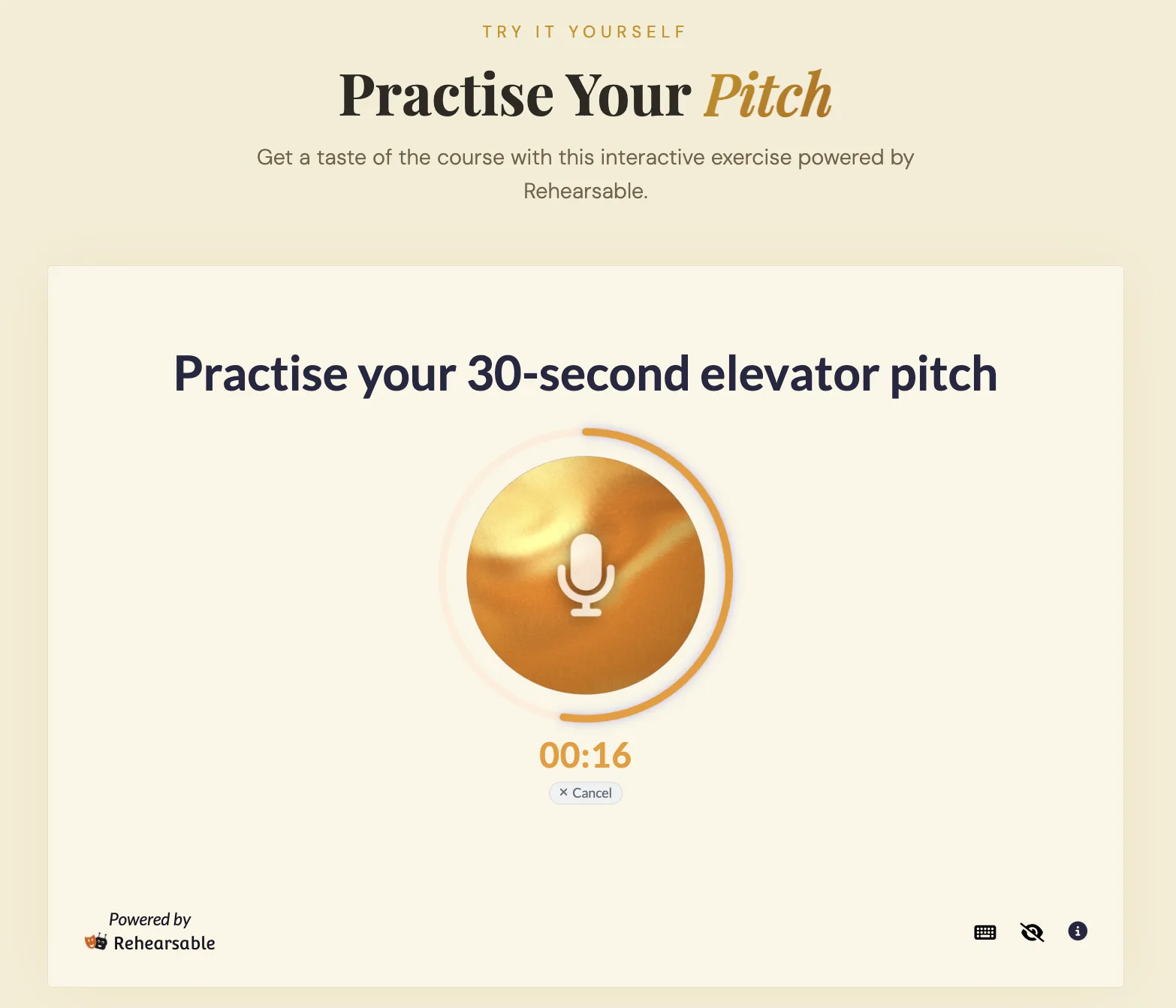
Copy an embed snippet into your landing page, sales page or free community, and the experience runs inside your own site
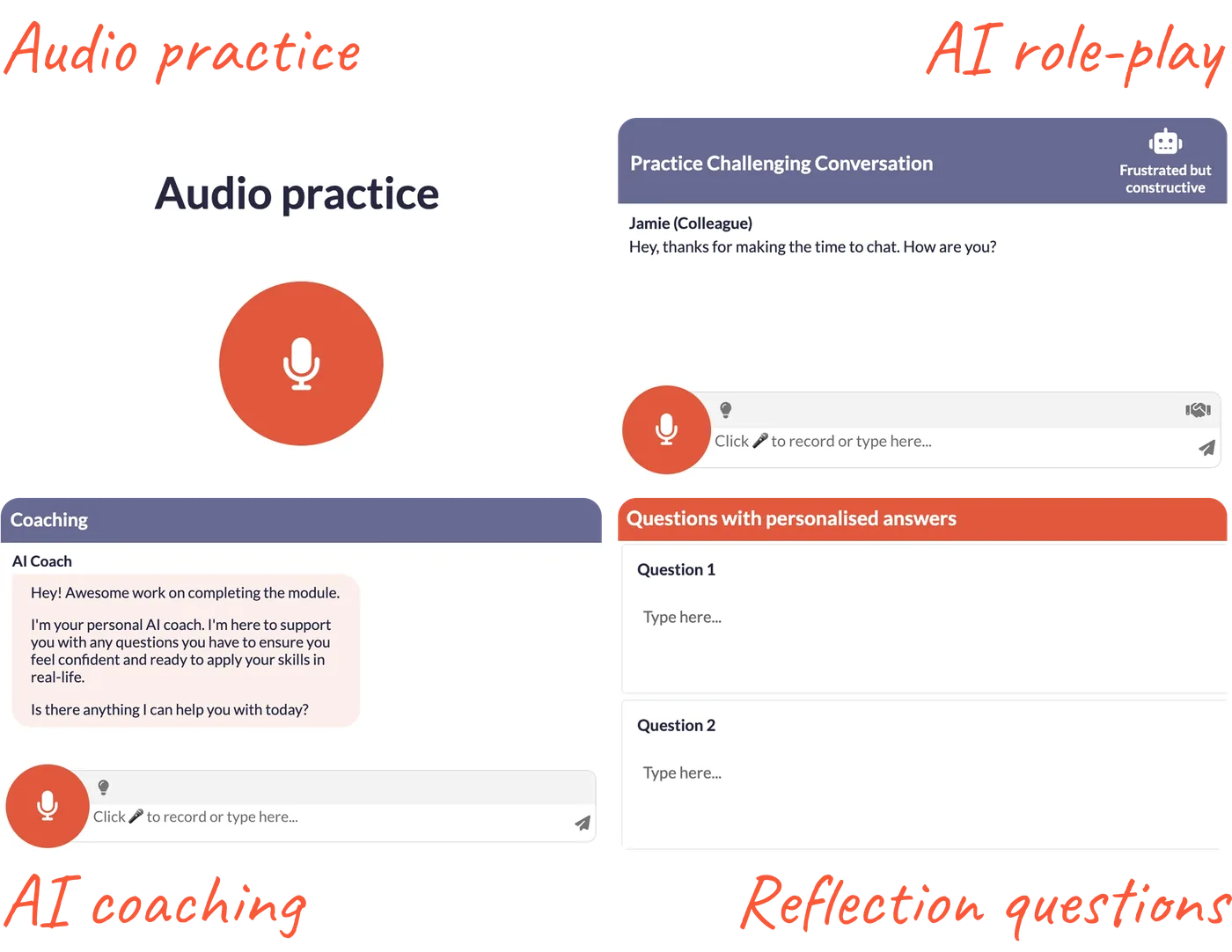
Build one short, real exercise from your course or workshop material. We can help you on a free 1-1 onboarding call.
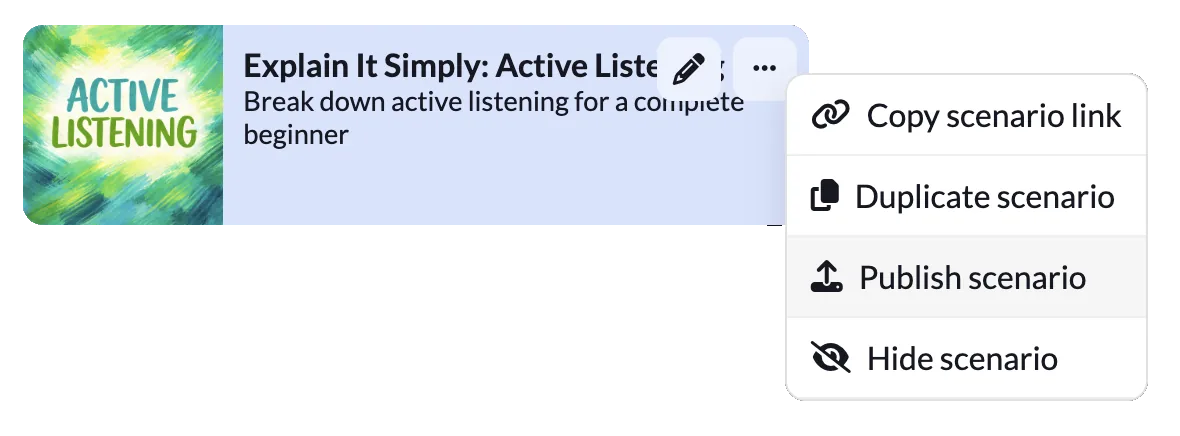
Publish the experience as a lead magnet and copy the embed code. Paste it into your website, landing page or course sales page.
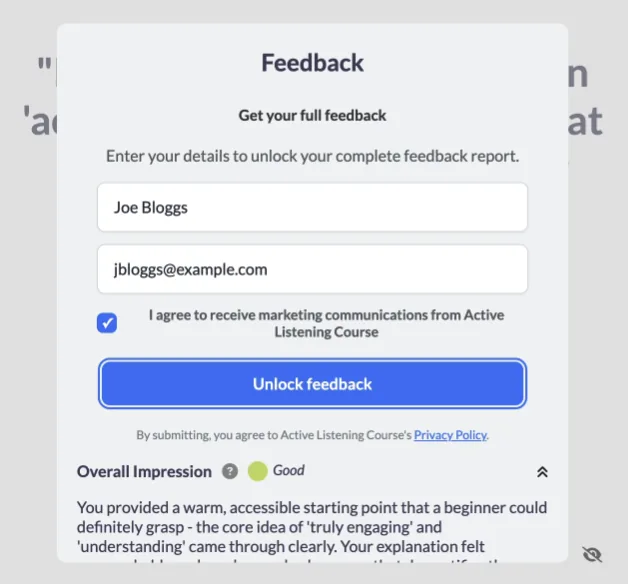
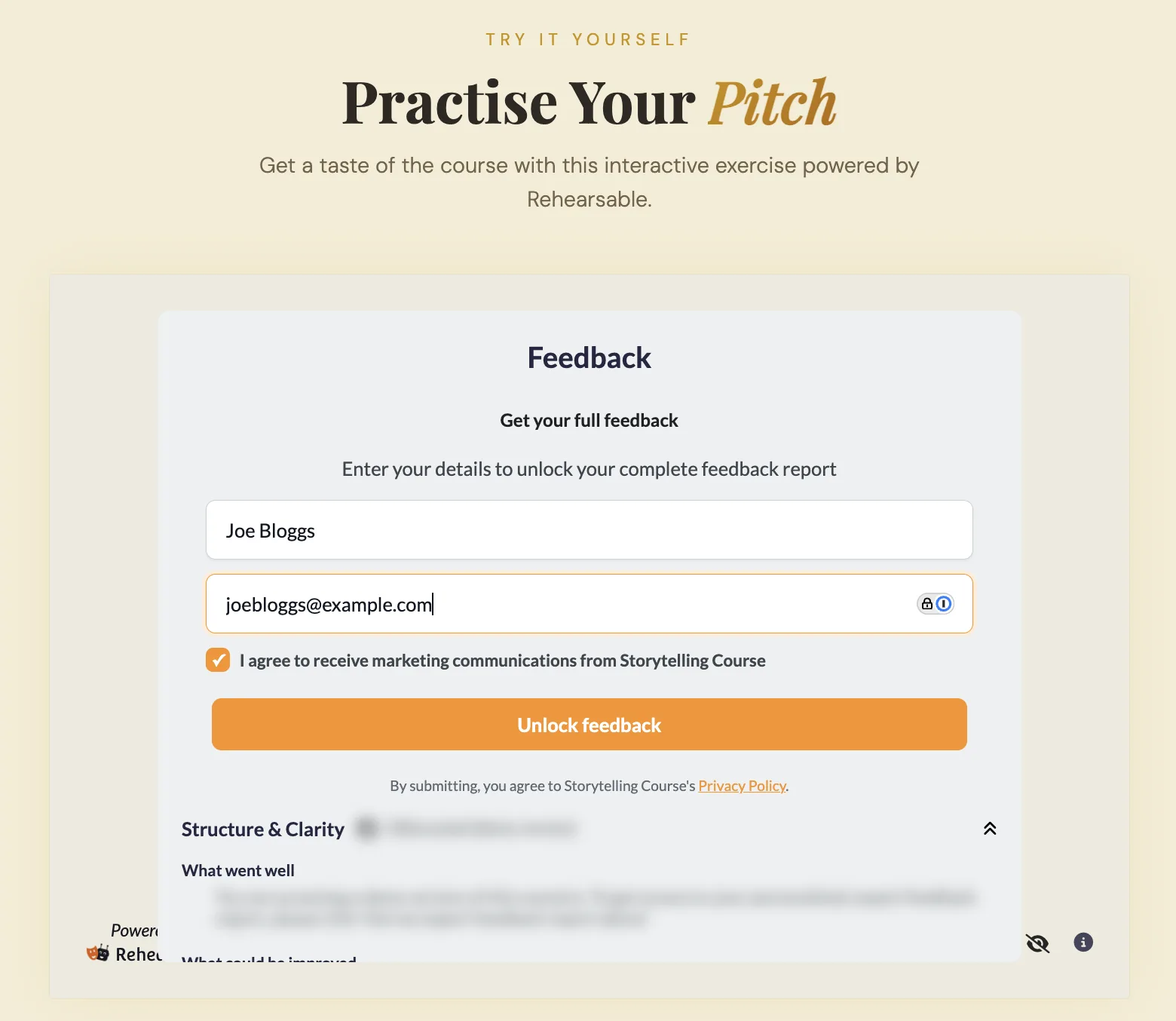
Your audience tries the experience on your page and provides their details to reveal their full feedback. New leads sync directly to your CRM or email platform.
You can create interactive lead magnets based on any Rehearsable experience - AI role-play simulations, audio prompts, written prompts or AI coaching. Unlike static PDFs or webinar recordings, these lead magnets let your audience experience your methodology first-hand, so they can see how your training would help them.
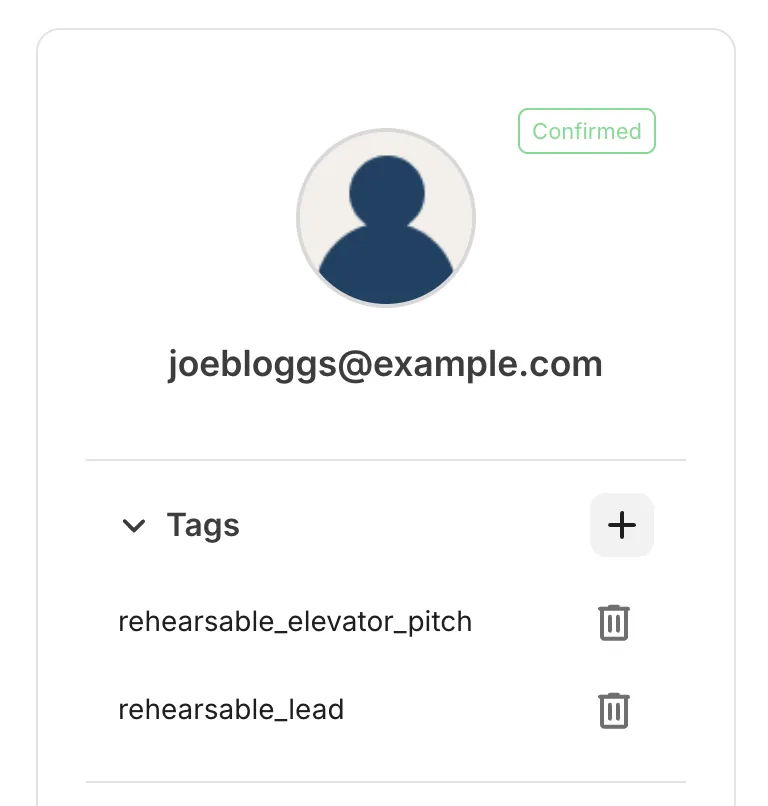
Name, email address and marketing consent, alongside your audience's answers and feedback from the experience. Rehearsable integrates with Kit, HubSpot and MailerLite, so when someone completes your lead magnet their contactdetails are sent to your platform automatically, tagged by the experience they tried - ready for your follow-up.
Anywhere that supports an embed code - your website, landing pages or course sales pages. Publish the experience in Rehearsable, copy the embed code and paste it where you host your website. Your audience can try the experience without creating an account or logging in.
Start a 14-day free trial with $10 of AI usage included. We recommend booking a free 1-1 onboarding call to create and publish your first lead magnet with our co-founder, Georgie. Most creators bring an existing exercise from their course or workshop to the call and leave with a lead magnet ready to embed.
14 days free trial $10 AI usage included 1-1 concierge onboarding